You can create a free logo with ChatGPT, Shopify Logo Maker or Canva. But an image you like is not always a brand ready to use. Here we explain which tools to try, their limitations and how a design agency or freelance designer can help develop an AI-generated idea.
Online tools for creating a free logo
Before choosing, check what you can download: some tools are free to design with but charge for the files you will need later.
ChatGPT: explore an idea and develop it through conversation
To start with AI, try ChatGPT: explain what you do, who you want to reach and what you want to communicate, then ask for different directions. You can refine the idea through conversation rather than simply changing a template.
Price: a free account with limited image generation. ChatGPT Plus costs USD 20 a month, billed monthly, with higher usage limits. This is OpenAI’s published reference price; local pricing may differ. You do not need Plus to start experimenting.
Keep in mind: generating an image does not mean receiving a vector logo or a complete visual identity. Below are real examples of what that first result may still need.
Shopify Logo Maker
Generate and personalise concepts without design knowledge. Price: free, including a high-resolution PNG download, according to its official website. A PNG remains a pixel-based image, even at high resolution.
Looka
You can create and preview concepts for free. For downloads, its help centre lists USD 20 for the Basic package a low-resolution PNG, and USD 65 for Premium, with high-resolution and vector files. These are one-off logo payments; brand kits have separate subscriptions.
FreeLogoDesign
The free option provides a 200 × 200-pixel PNG. Basic adds high-resolution and vector files: a regular price of €59, with a published €39.95 offer, paid once per logo. The promotion may end; check the official prices.
DesignEvo
Templates and a simple editor. Free downloads are limited to 300 pixels and require attribution. Its pricing page lists Basic at USD 24.99 and Plus at USD 49.99, promotional prices compared with listed regular prices of USD 49.99 and USD 99.99. These are one-off logo payments. Basic includes high-resolution images; PDF and SVG vector files are in Plus.
Canva
Useful if you prefer assembling the design yourself using templates and graphic elements. Canva Free costs €0; the Spanish website lists Canva Pro at €110 a year for one person, billed annually. Check Canva plans and the terms for any elements you use.
I would like help with my logo
Limitations of free logos
Originality matters beyond simply liking a logo. In 2025, there were 57,158 national trademark applications, according to OEPM’s published data. When choosing a template, ask whether the result expresses something distinctive about your business or could work equally well for many others.
- Liking it does not mean it represents you. A logo is the visible part of a strategy: it should fit your audience, positioning and message.
- Technical quality matters. Image generators usually produce bitmap images. Pixels become visible when enlarged; for large-format printing or certain finishes, a printer may need a vector file.
- Not every tool provides the same files. Some logo tools offer vectors in paid packages. Check formats and quality before considering the design finished.
- An image is not a complete identity. You need colours, typography and versions that work on a website, avatar, business card or stamp.
For an early online project, an image with sufficient resolution may be enough to start. When you need printing, adaptations or a stronger brand, review both the idea and its files.
How to vectorise an AI-generated logo
A vector file describes shapes using paths and curves rather than pixels. That is why it can be enlarged without pixelation. Placing a JPG inside an SVG or PDF does not make it vector artwork: the shapes must be rebuilt.
You can try automatic vectorisation, but inspect the result closely. Complex lettering, textures and gradients can lead to distorted outlines, lost details or changed typography. Manual vectorisation allows these problems to be corrected and helps decide what to simplify.
Veramea: the difference is in the details
This real example shows four stages: the initial AI image, automatic vectorisation with errors, our manual reconstruction and a single-colour adaptation.
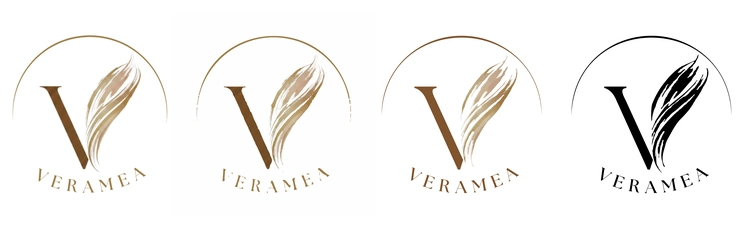
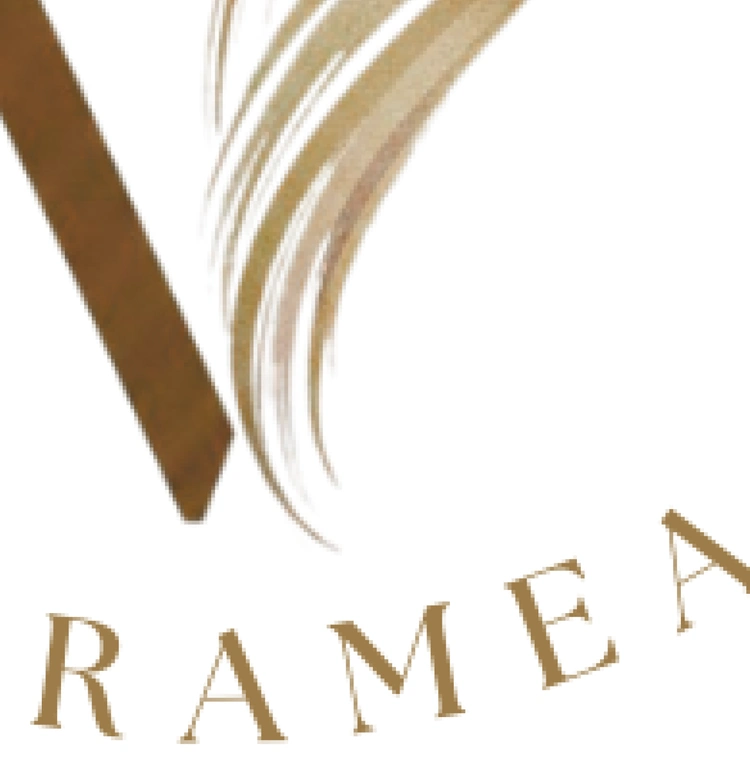
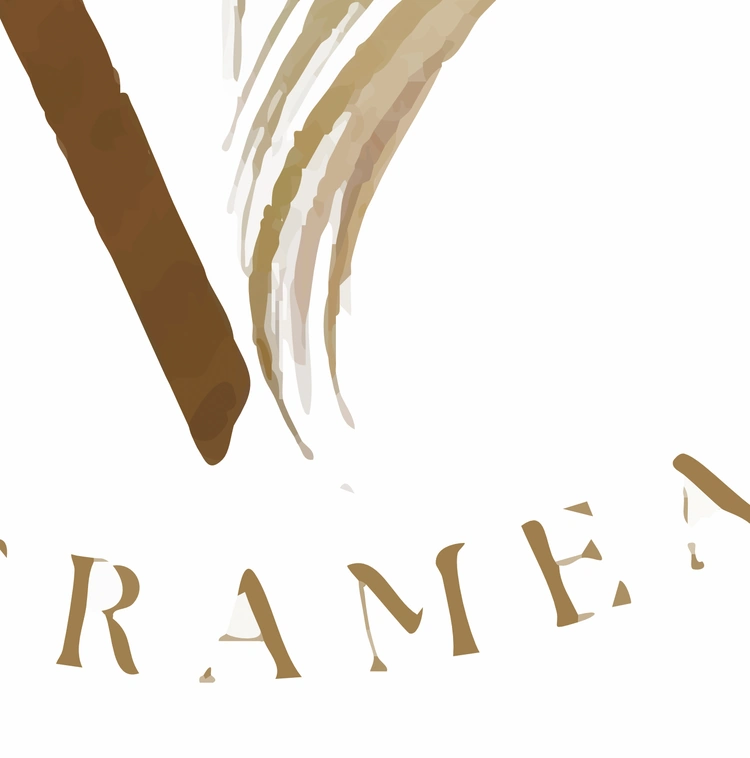
These close-ups show the original pixels, lettering damaged by the automatic tool and corrected outlines. Select an image to enlarge it.
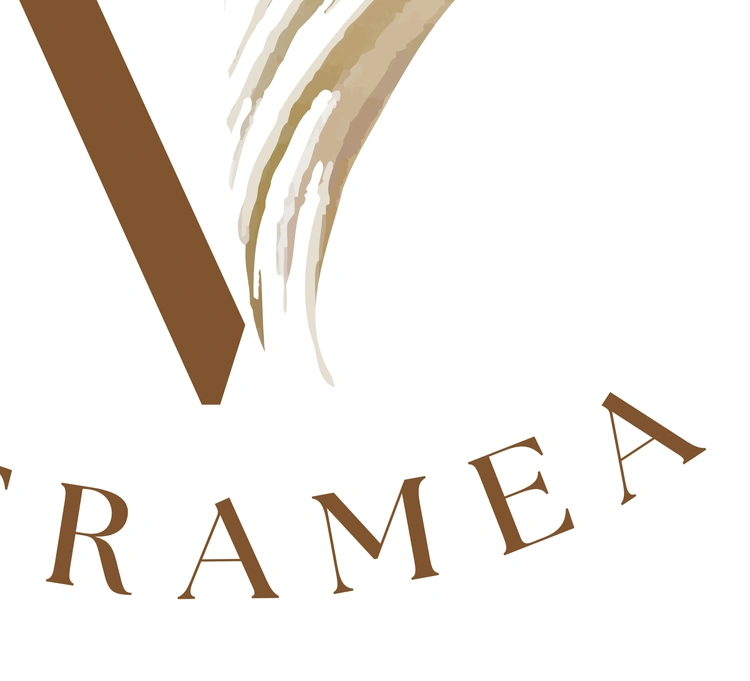
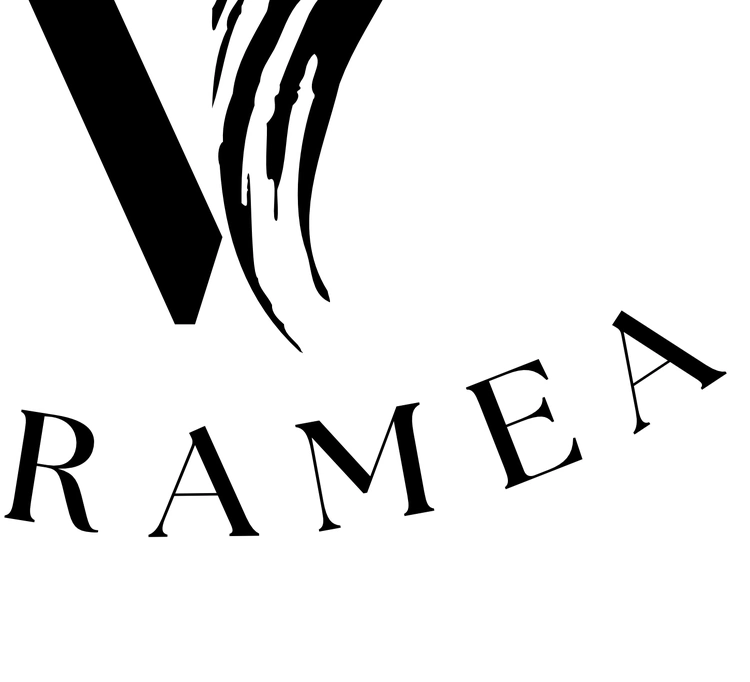
A black-and-white version does not always mean simply removing colour. You must decide how to separate shapes and preserve details so the logo still works.
From an AI idea to a visual identity
Sometimes you bring us an AI-generated logo and do not need to start again. We can assess what works, reinterpret it and prepare it for the uses you need. It is not just vectorisation: we also make design decisions.
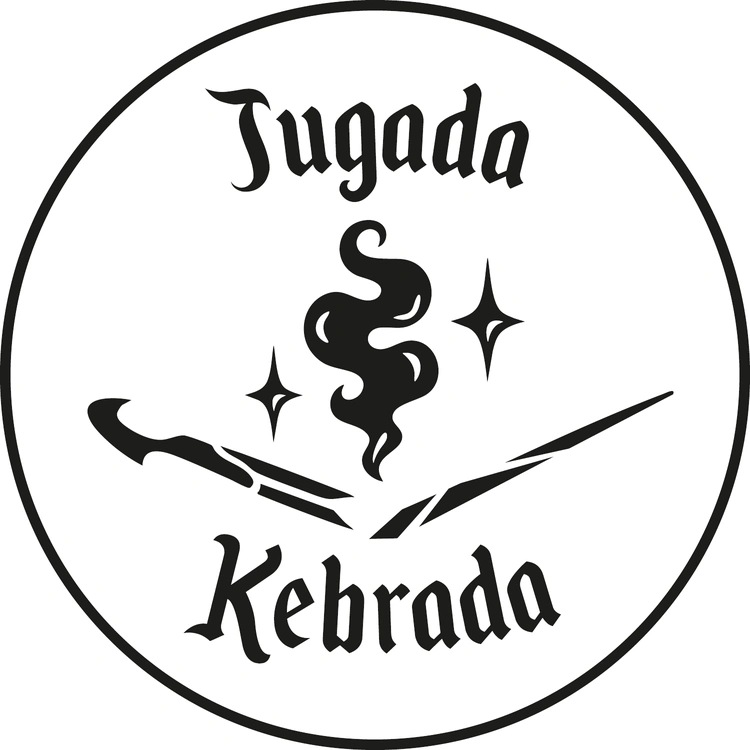
Jugada Kebrada: keep the idea, refine the result
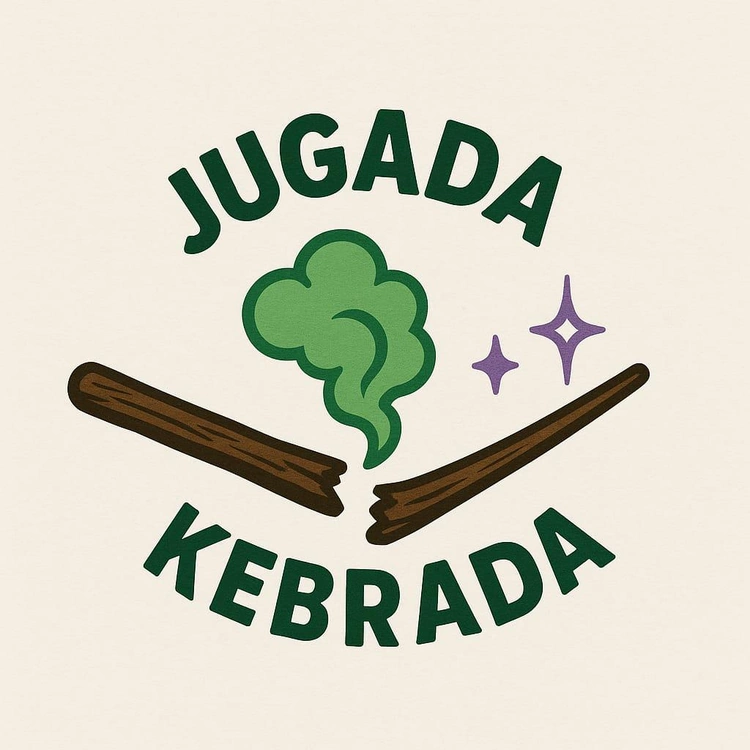
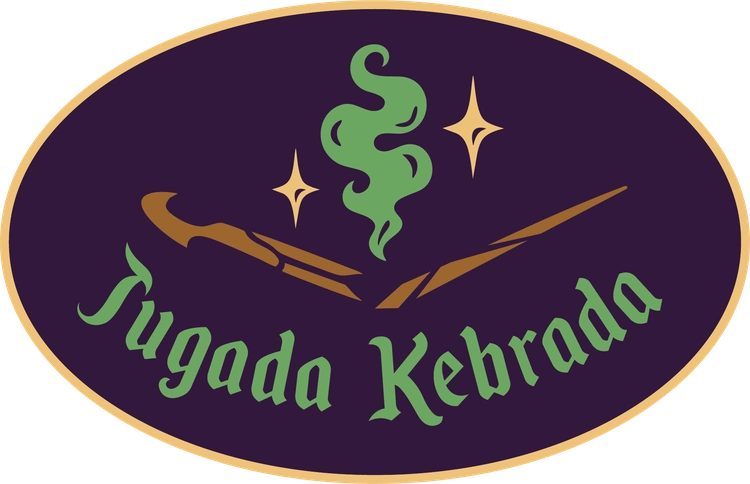
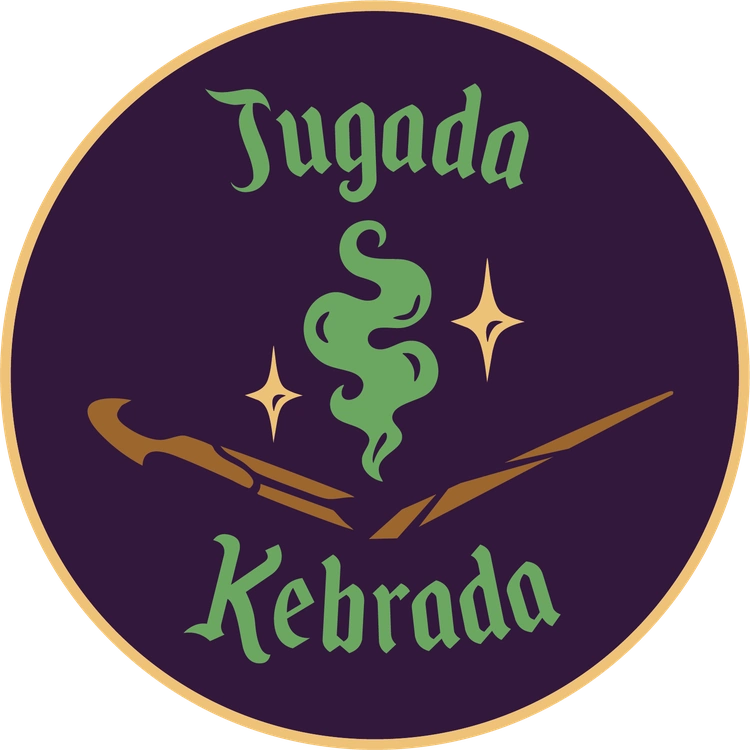
The client brought a ChatGPT concept. We retained the idea and reinterpreted it for a more mature audience, reviewing shapes, typography and colours and developing different compositions.
Loyalty: from references to a consistent system
The client shared ideas and references, including AI-generated concepts. These images were the starting point for our work.
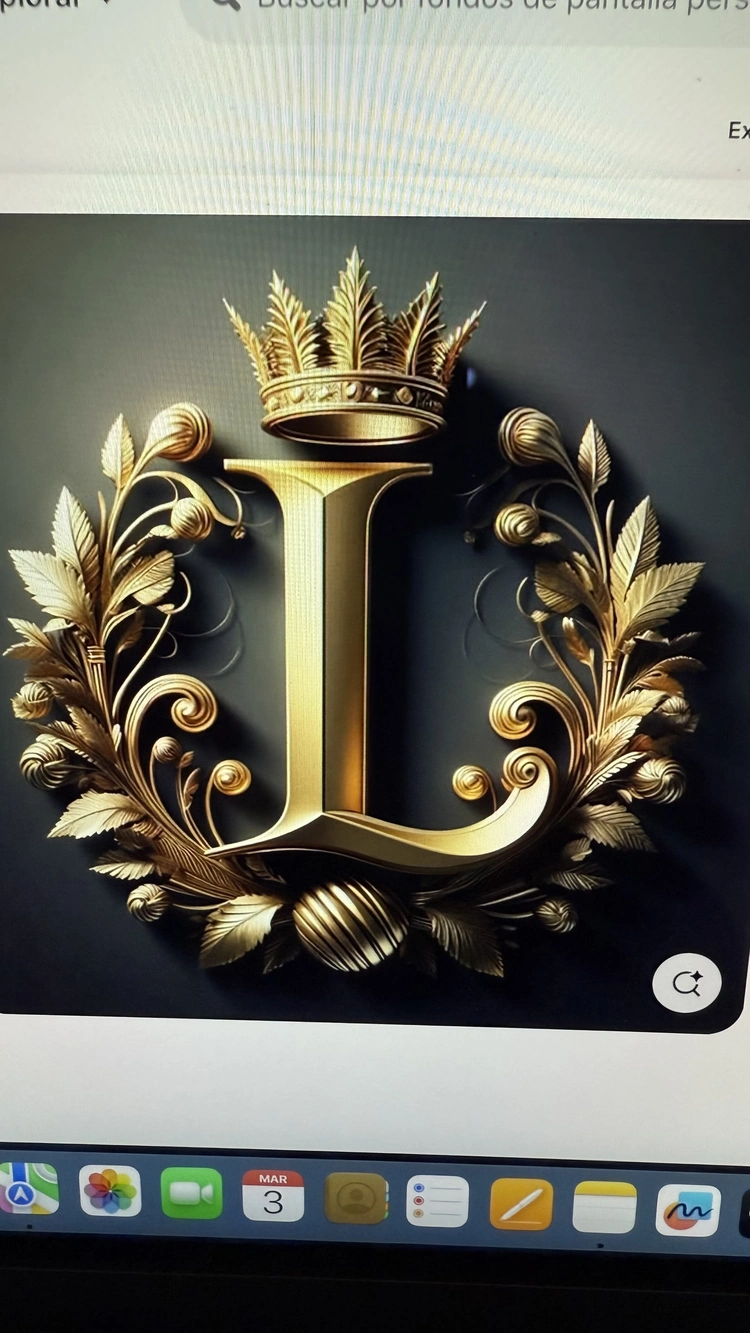
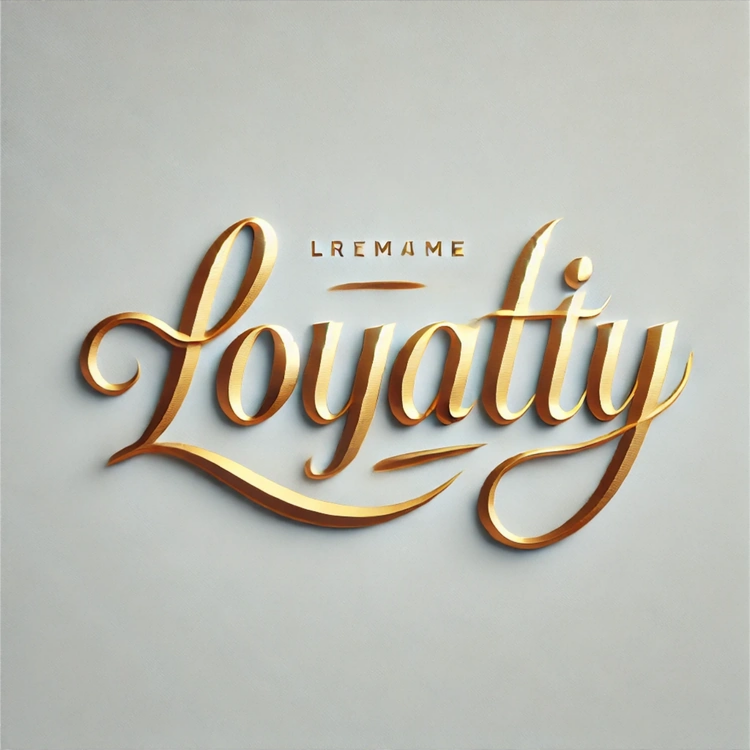
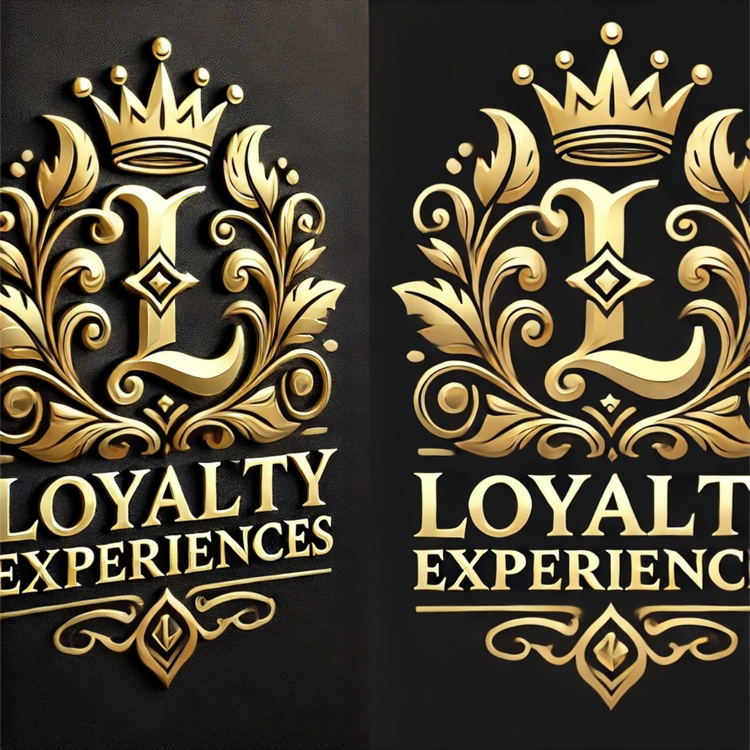
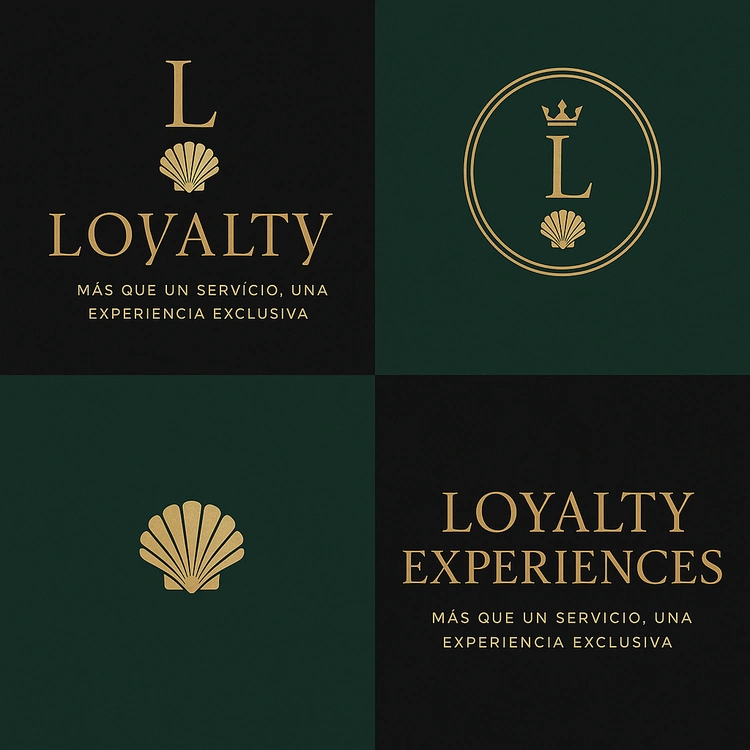
From there, we simplified the concept and defined a more consistent solution. We worked on proportions, typography and colour, then prepared versions for different spaces and applications.
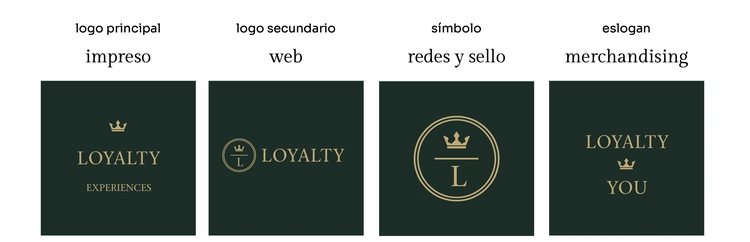
This is the difference between having a logo and developing a visual identity: deciding how it adapts and relates to your brand’s colours, typography and materials.
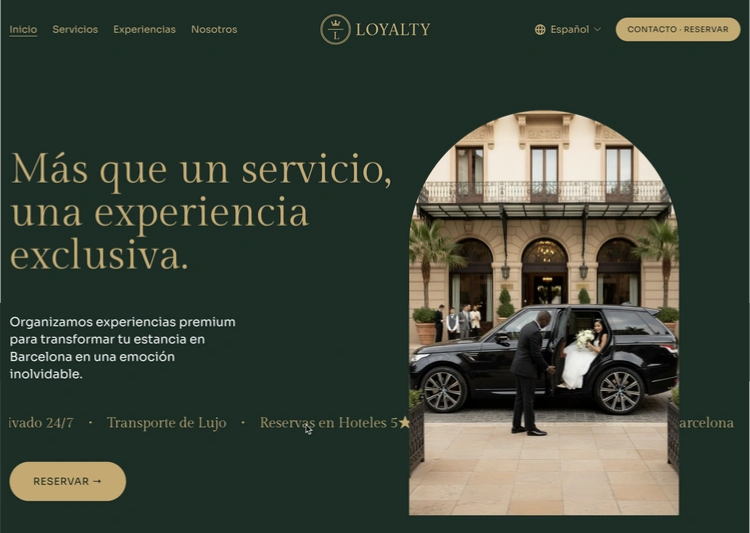
We also designed Loyalty’s website. To apply the identity, we decided how typography, colours, photography and shapes should work together. That combination makes the brand recognisable and forms a basis for other materials, such as business cards.
The professional logo design process
- Understand your brand. Before drawing, define what you do, who you want to reach and what you want to communicate. Look at how competitors present themselves too.
- Research and explore. Gather references, create a moodboard and try concepts. Sketches or AI can help you explore, but that first idea is not the final result.
- Design and refine. Develop shapes and typography in vector software. Check proportions, legibility and performance at small sizes.
- Define colours and typography. Choose a consistent palette and check the licences for fonts and resources.
- Prepare versions. Resolve the compositions you need, single-colour use and screen and print files. Test the design in its actual applications.
Why hire a branding agency
An agency helps you make decisions so your brand communicates what you need, rather than just looking good. At Abstract, we can start from scratch or develop an idea you already have.
- Brand judgement: we connect design with your audience and positioning.
- A result ready to use: we prepare the files and adaptations your project needs.
- A consistent identity: we connect logo, colours, typography and materials.
- Personal support: we explain our decisions and refine the concept with you.
Some brands we have created or redesigned.
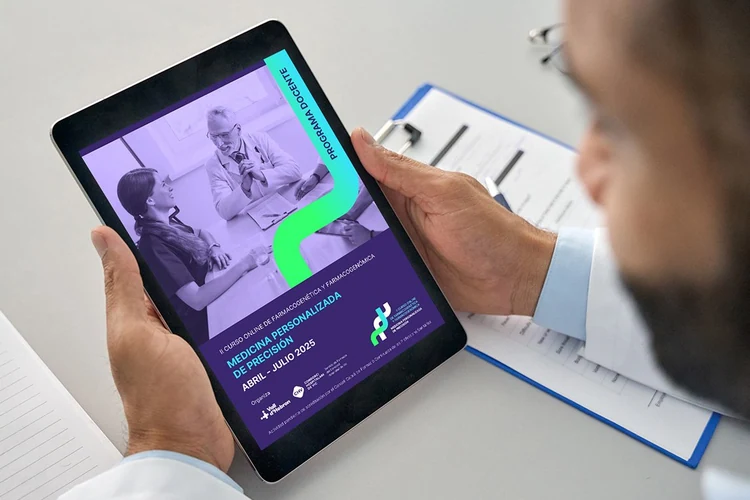
Vall d’Hebron Pharmacogenetics Course
Healthcare training at Vall d’Hebron
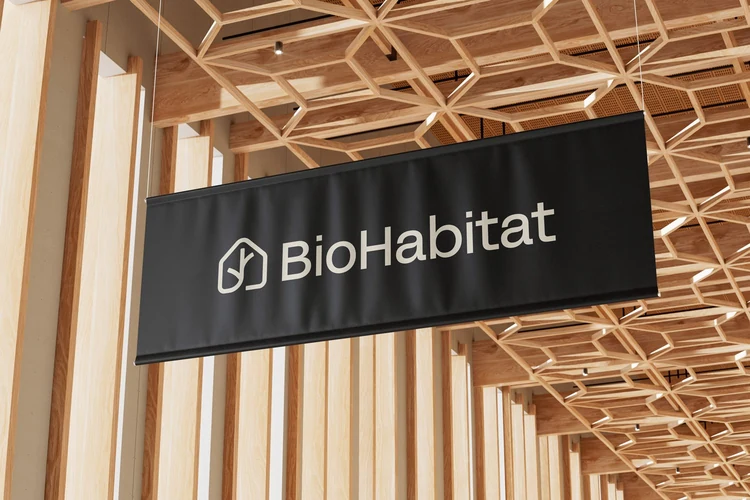
BioHabitat
Healthy renovations and geobiology
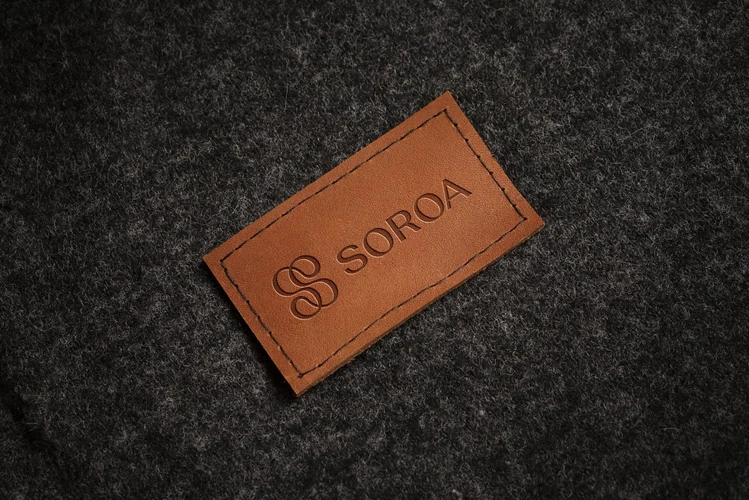
Soroa
Handcrafted accessories brand
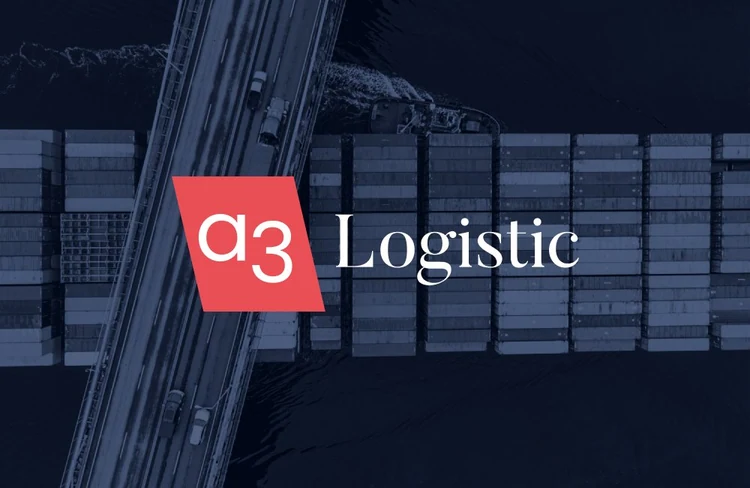
A3 Logistic
International logistics company
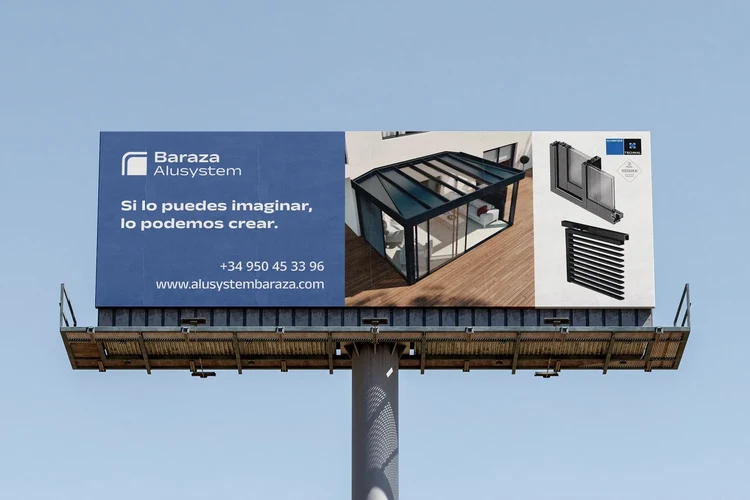
Baraza Alusystem
Window and aluminium joinery manufacturer
Gengemz
Video game marketplace
Electraferre
Electricity distribution company
Personas libro
A cultural project encouraging reading
CFG
Organic waste management group
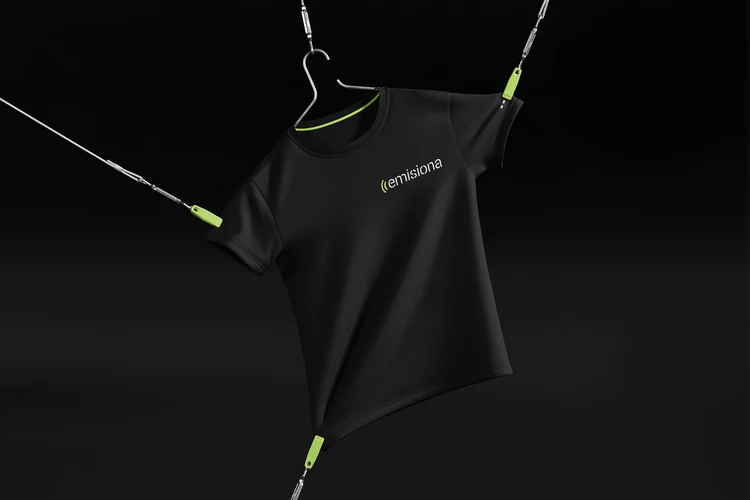
Emisiona
Streaming services for businesses and events
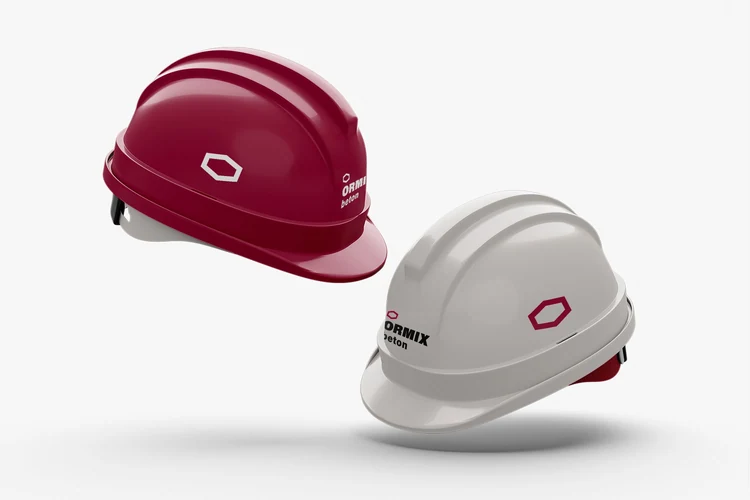
Ormix beton
Concrete manufacturer and supplier
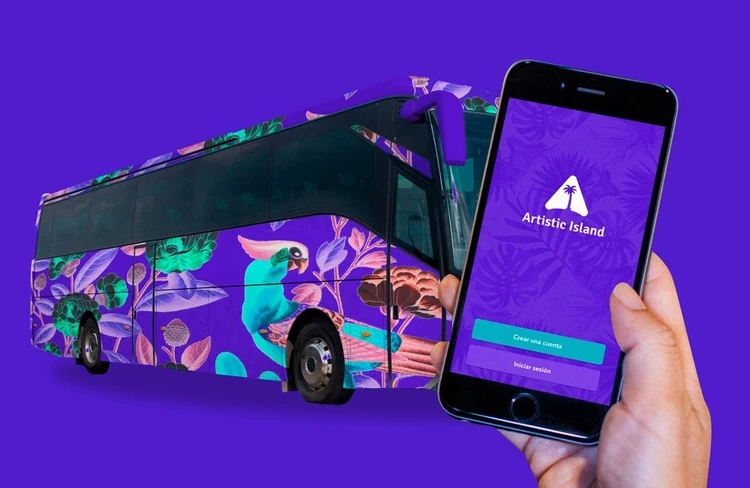
Artistic Island
Digital platform for arts projects
Be12 Swiss DataBank
Swiss cybersecurity company
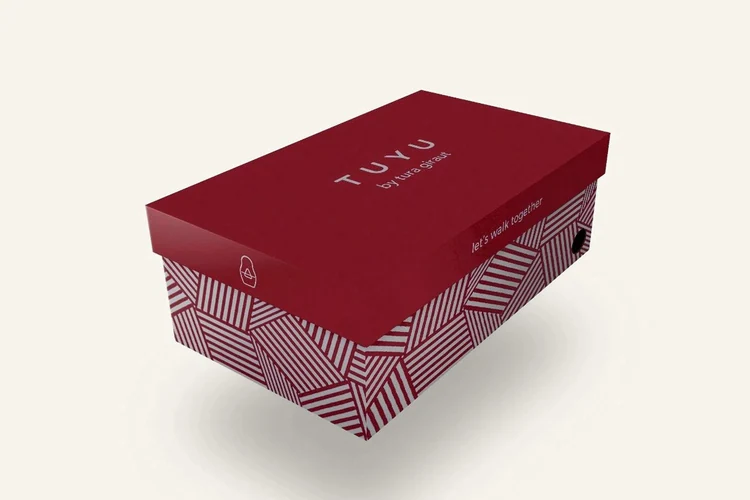
TUYU by tura giraut
Handcrafted footwear brand
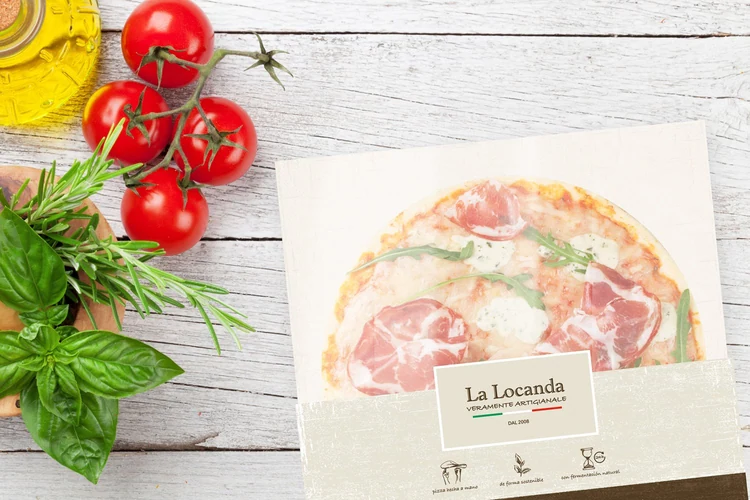
La Locanda
Artisan pizza brand
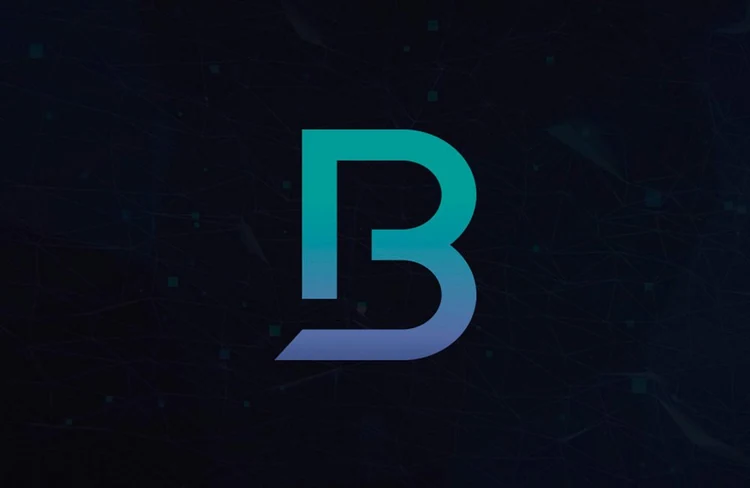
BlackData
Systems and software development company
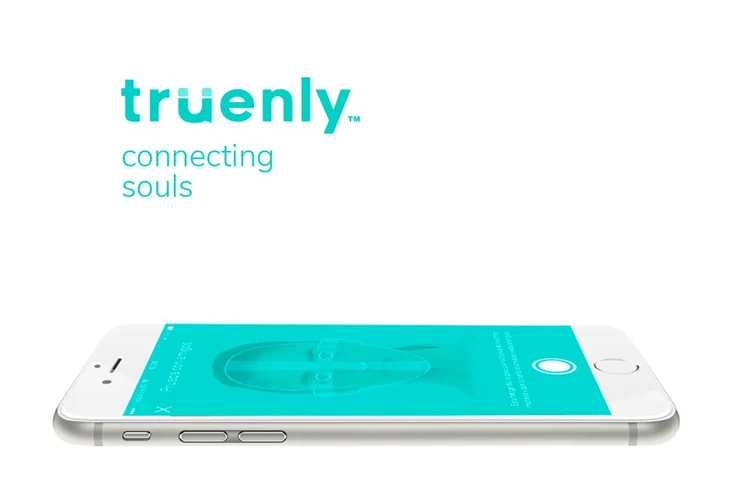
Truenly
AI and relationships app
How much does an agency-designed logo cost?
It depends on scope: vectorising an idea differs from creating an identity from scratch or designing branded materials too. Our professional logo pricing guide explains the options and what affects a quote.
Free and AI logo FAQ
Do I need a paid ChatGPT account to create a logo?
No. The free account offers limited image generation. Plus increases usage, but subscribing does not automatically make the result a vector file.
Can I print an AI-generated logo?
It depends on resolution, print size and finish. Enlargements and many print jobs require a checked vector version. Confirm requirements before sending the file.
Is an SVG or PDF always a vector file?
No. Either can contain a pixel-based image. What matters is whether the logo’s shapes are built with paths and the necessary elements remain vectors.
Can you improve a logo I have already created?
Yes. We can review your idea, refine the design, vectorise it and prepare the adaptations you need. First, we assess together what works and what should change.